Remove silence from your video without making it sound rushed
Dead time is the single biggest chunk of any raw recording: the sentence ends, the camera keeps rolling, you sort out the next thought. AgenticCutter finds those stretches, proposes them for trimming, and leaves the pauses that belong to what you are saying.
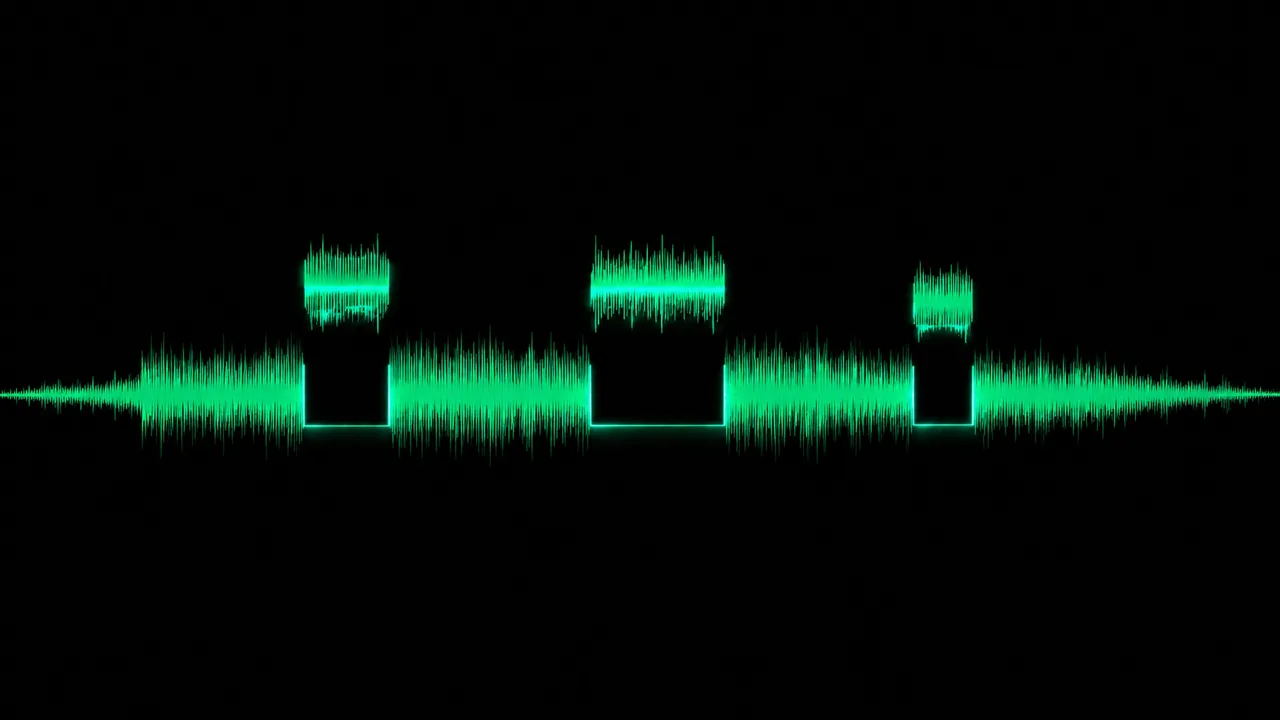
Why is “remove every pause” the wrong setting?
Because a pause can be two entirely different things. One is dead air where nothing happens. The other is timing: the beat before the punchline, the breath before the important sentence, the second in which the viewer reads what is on screen. Tools that bluntly remove every silence above a threshold turn a calm talk into a machine gun, technically shorter, unpleasant to watch.
How does AgenticCutter decide which silence can go?
It works on the transcript, not on the level alone. Your recording is transcribed locally with mlx-whisper, so the cutter knows every word boundary. A silent stretch between two words becomes a candidate, the cut is placed inside the silence rather than mid-word, and in the screencast profile visual pause preservation additionally checks whether anything happens on screen. You get a list, read it on the text, and approve. Nothing renders before that.
What gets trimmed, what stays?
Trimmed: dead air between sentences, the run-up before the first word and the tail after the last one, and pauses that are clearly longer than your own speaking rhythm. Kept: the short breaths your speech is built on, and anything you pull back in the proposal. Noises inside supposedly silent passages, door slams, coughs, a phone, are flagged separately by the audio watchdog.
How do you set how tight it gets?
With cut sharpness in several steps, from gentle to uncompromising, and with the content profile: talking head, screencast and show are treated differently, because a pause in front of a camera is not the same as a pause in a screencast. Anything still bothering you, you say in plain language, “keep the pause at minute three”, and the proposal is rebuilt. Approval stays mandatory.
Where does all of this run?
On your Mac. Transcription with mlx-whisper, cutting and rendering with ffmpeg, output as MP4 or ProRes, your video is never uploaded. If you use a cloud model as the cut brain, transcript text and individual still frames go there, never the footage itself. If you want to avoid even that, run the cut brain locally through LM Studio.
Where does removing silence stop?
It makes your recording tighter, not better told. Which passage carries your story is still your call. Retakes and slips of the tongue are not detected automatically yet, the detection path is built, the wiring follows; today you mark those yourself. Video transitions between cuts are still to come, audio crossfades already work.
Frequently asked questions about removing silence
Can you hear where it was cut?
The cut sits in the silence, not in a word, and the material is re-encoded rather than hard-joined. On top of that the audio is normalised to a single loudness target so the whole edit stays evenly loud.
What if my recording is very quiet?
A fixed threshold is the trap here: in a quiet recording the noise floor sits so low that a default value reads either everything or nothing as silence. That is why AgenticCutter goes by the word boundaries from the transcript rather than by level alone.
Do pauses stay in when something happens on screen?
In the screencast profile, yes. Visual pause preservation detects motion in the picture and does not treat those stretches as dead time.
Can I run this over a whole folder of recordings?
On the command line you can script runs and process several recordings one after another. The native app is built around one job at a time, with approval per job.
Do I get a cut list I can reuse?
Yes. The decision exists as an EDL JSON, a machine-readable cut list, and is therefore independent of the render. You can inspect it, keep it under version control and hand it on, instead of only having the finished file.
Related features
- Trim silence and dead air
- Adjustable cut sharpness
- Approval before rendering
Related use case: On-device and private