Edit your screencast without losing the moments where the screen is working
A screencast is not a talking head. You speak, then you type, then you wait for a build, and that silent minute is often the most important part of the video. AgenticCutter cuts along the transcript and also looks at the picture before it removes a pause.
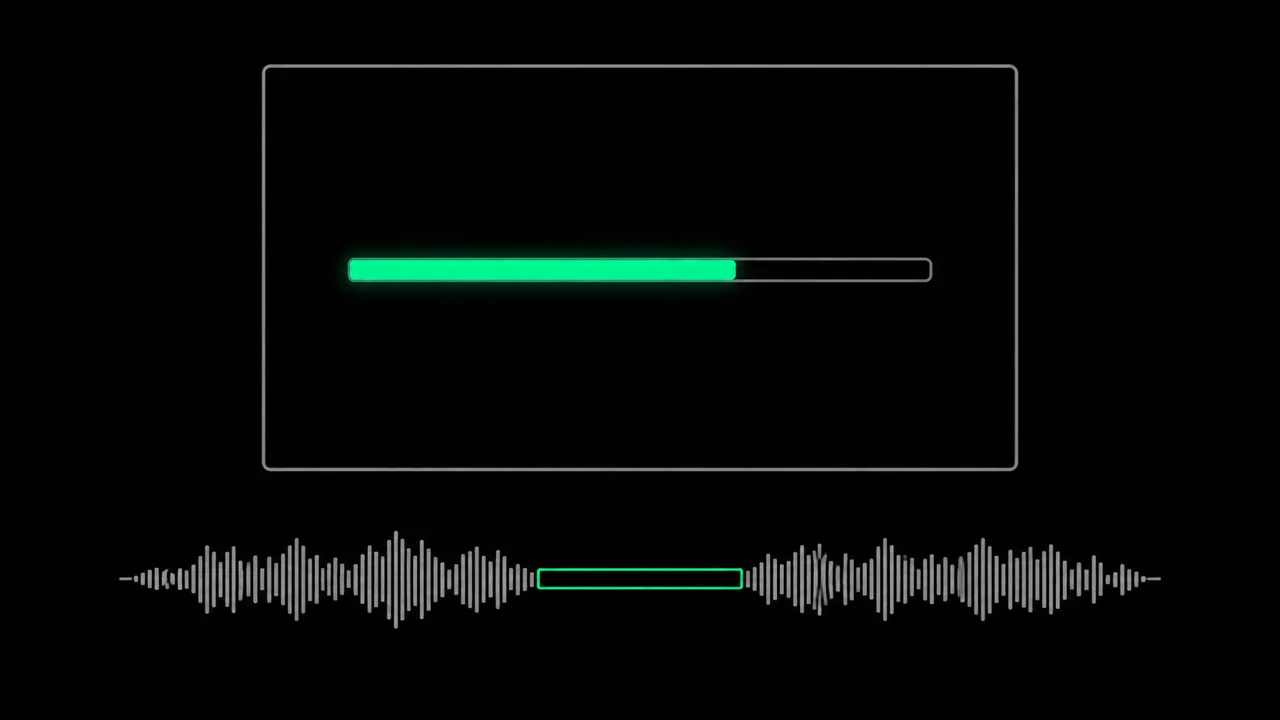
Why do plain silence cutters mangle a screencast?
Because they only know the audio track. A tool that removes every pause above a threshold cannot tell “someone is thinking” from “a test suite is running and the viewer is supposed to see it”. The result is a video where results appear out of nowhere: the command is entered, the next frame shows everything finished, and nobody understands what happened. Cut it by hand instead and you keep every pause because you do not dare to cut, and the video drags.
How does AgenticCutter tell dead time from working time?
Through the “screencast” content profile. Your recording is transcribed locally with mlx-whisper, and the cut list is built on the text. For every silent stretch, visual pause preservation additionally checks whether anything moves on screen: a progress bar running, log output scrolling, someone typing in an editor, that stretch stays. If nothing happens, it gets trimmed. You get the proposal as a readable list before a single frame is rendered.
What does the screencast pass actually cut?
Filler words from the spoken parts, dead air without any visual motion, the lead-in before you start talking and the trailing tail at the end. Noises such as a door slam or a phone ringing are flagged separately by the audio watchdog and put in front of you for confirmation instead of being removed silently. What the screen shows stays untouched: AgenticCutter shortens time, it does not alter your picture.
How much control do you keep?
Cut sharpness controls in steps how aggressively the pass trims, from careful to uncompromising. Every decision is shown on the transcript, so you read it instead of scrubbing for it, and you can say in plain language what should change: “keep the whole terminal part”. Nothing renders before you approve. You drive this from the native macOS app or from Claude Code or Codex on the command line.
Does your screencast leave the Mac?
Your video file stays on your Mac for transcription and rendering. For screencasts, the model choice matters: your screen may contain customer data, internal code or tokens. A cloud cut-brain may receive transcript text and individual still frames. LM Studio can also run the cut decision locally.
What can the screencast pass not do today?
It cannot tell whether your build was correct, it only sees that something on screen moved. Retakes and slips of the tongue are not detected on their own yet; the detection path is built, the wiring into app and CLI follows. Video transitions between cuts are still to come; audio crossfades already work.
Frequently asked questions about editing screencasts
Does AgenticCutter notice when something happens on screen while I stay silent?
Yes, that is the core of the screencast profile. Visual pause preservation compares the picture over time; where something visibly changes, the silence is not treated as dead time.
What about a very long build or test run?
Keeping and trimming are not the only options: you can mark the stretch in the proposal and keep it, or treat it as its own block. What AgenticCutter will not do is remove it without your approval.
Can I use multiple audio tracks from OBS?
Yes. Recordings with separate tracks, microphone and system audio, can be processed, and you choose which track the cut decision is based on. That is exactly the case where a single mixed level would be misleading.
Which recordings can I feed in?
Whatever ffmpeg can read, MOV and MP4 from OBS, ScreenFlow or QuickTime, ProRes from your editor. Out comes MP4 or ProRes, with subtitles if you want them.
Are the cuts visible in the finished screencast?
Cuts are placed in the silence, never mid-word, and the material is re-encoded instead of hard-copied. With a calm screen image the transitions are unobtrusive; transitions as a deliberate stylistic device are still to come.
Related features
- Screencast content profile
- Visual pause preservation
- Trim silence and dead air
Related use case: Remove silence